
 Ticket shop
Your ticket shop for professional bookings
Publish a bookable shop for your events, with your own theme, legal pages, online payment and optional WordPress integration. Accessible by design, with keyboard navigation and focus management.
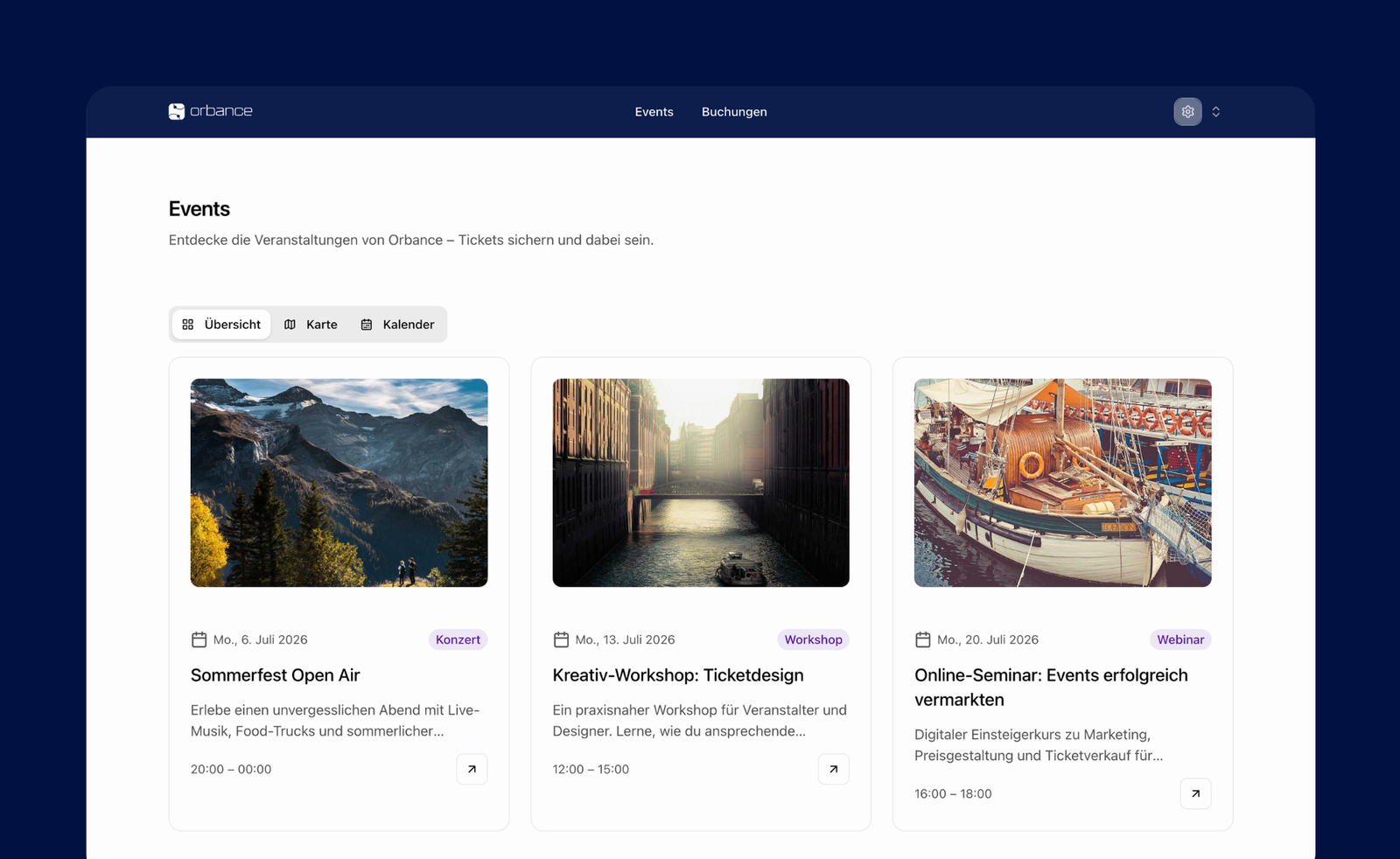
How your shop reaches visitors
Share the ticket shop via link, integrate it in WordPress or use your own domain.
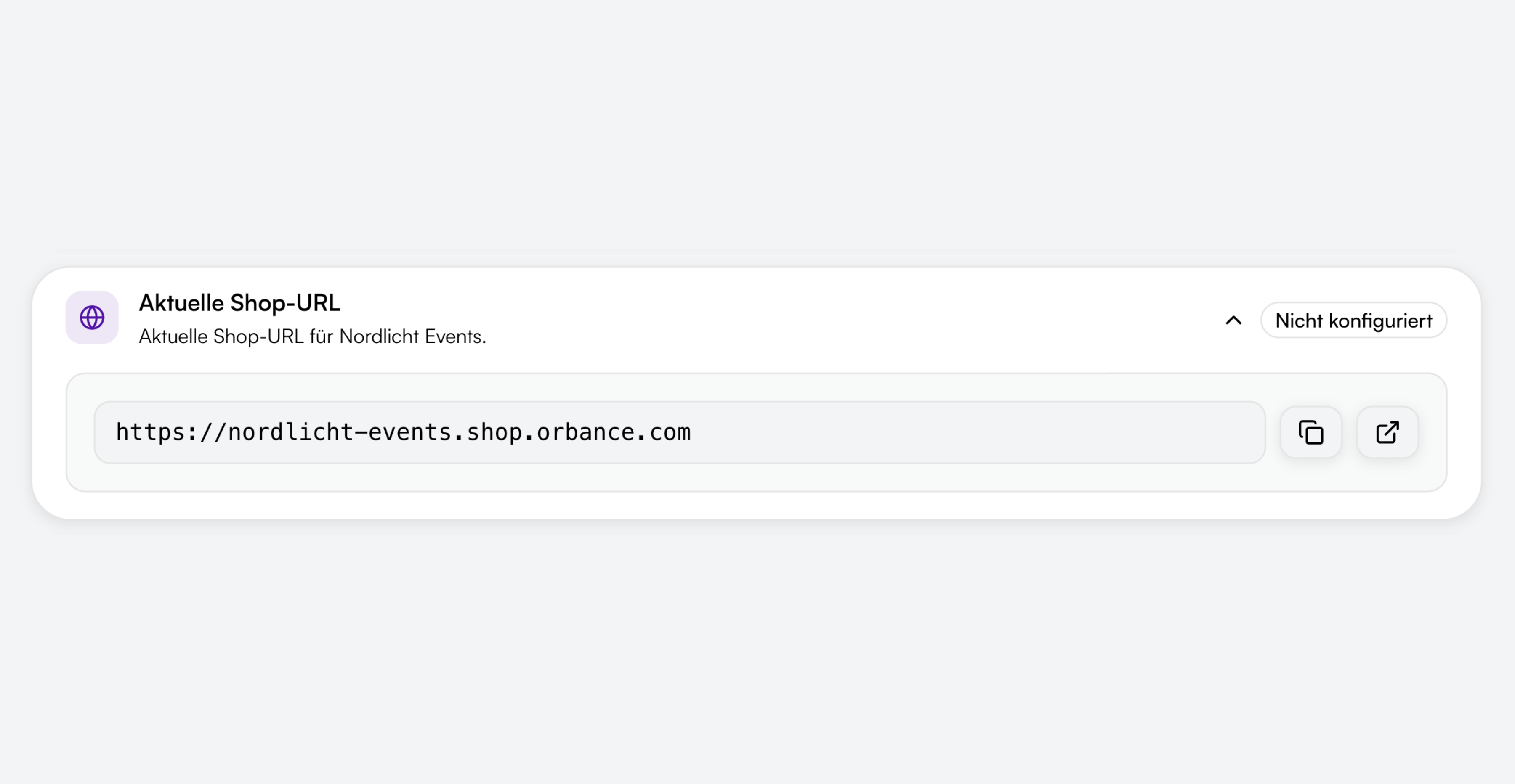
Direct shop link
Each provider gets its own shop URL. Visitors see your published events and book directly – without going through the app.
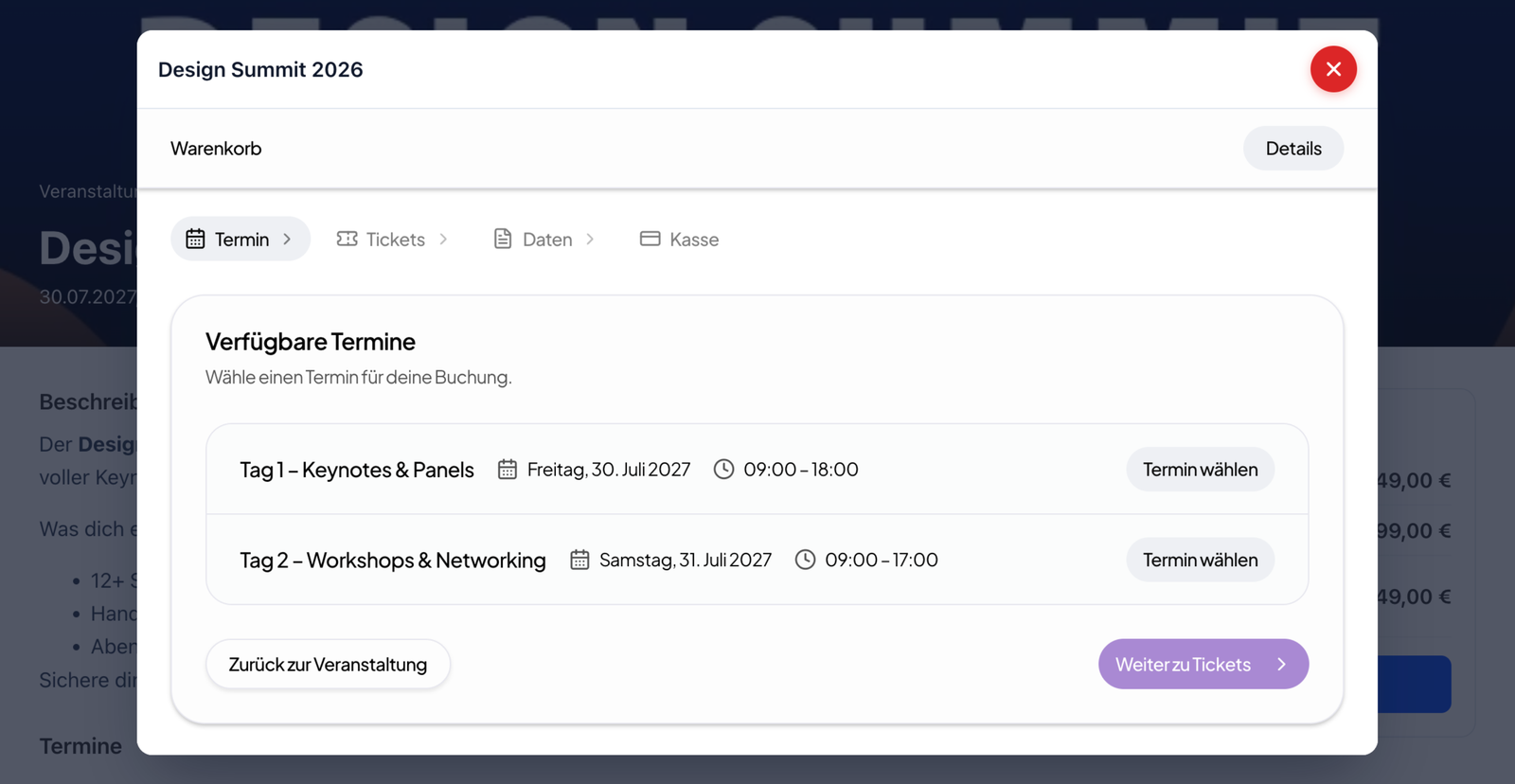
WordPress plugin
Show events and booking on your website with the Orbance WordPress plugin – matching your site design, without an extra tab.
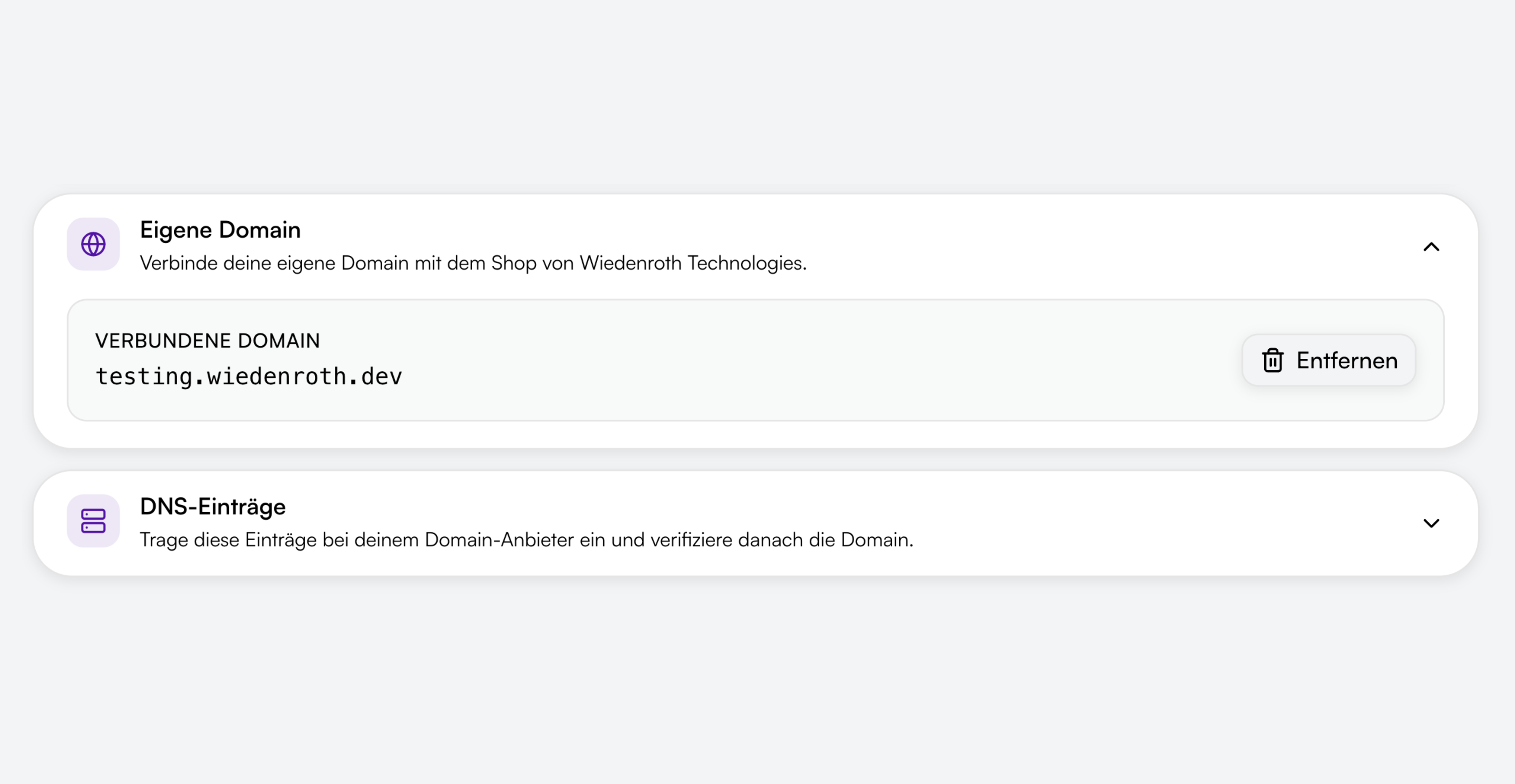
Custom domain
Use a custom domain for your ticket shop – for a professional appearance under your brand.
Your shop, your brand
Tailor the ticket shop to your brand – with your own theme, logos, legal pages and optional customer login.
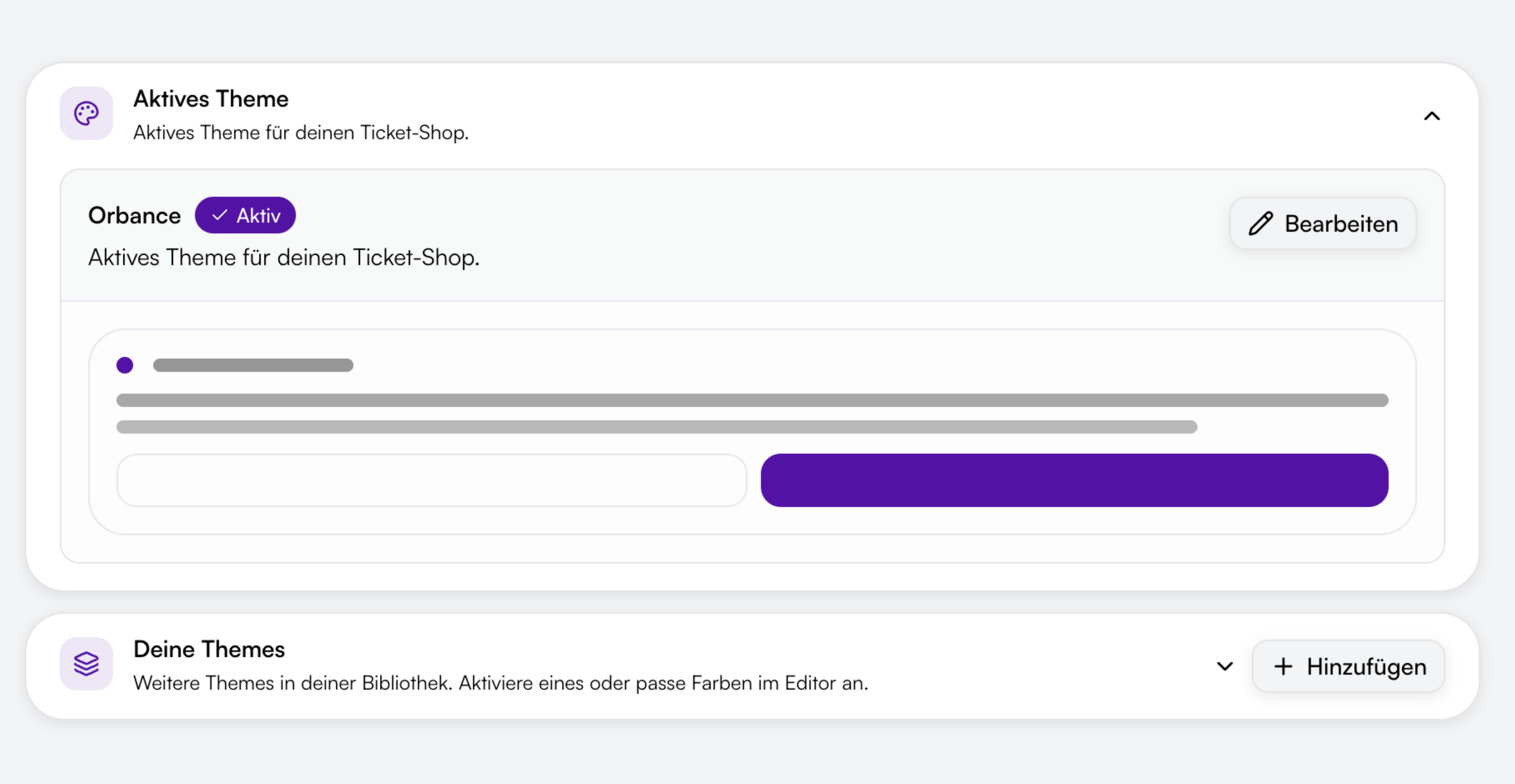
Custom theme
Create themes with colors, fonts and border radius, choose from the Orbance template library and customize logos, favicon and shop texts in German and English.
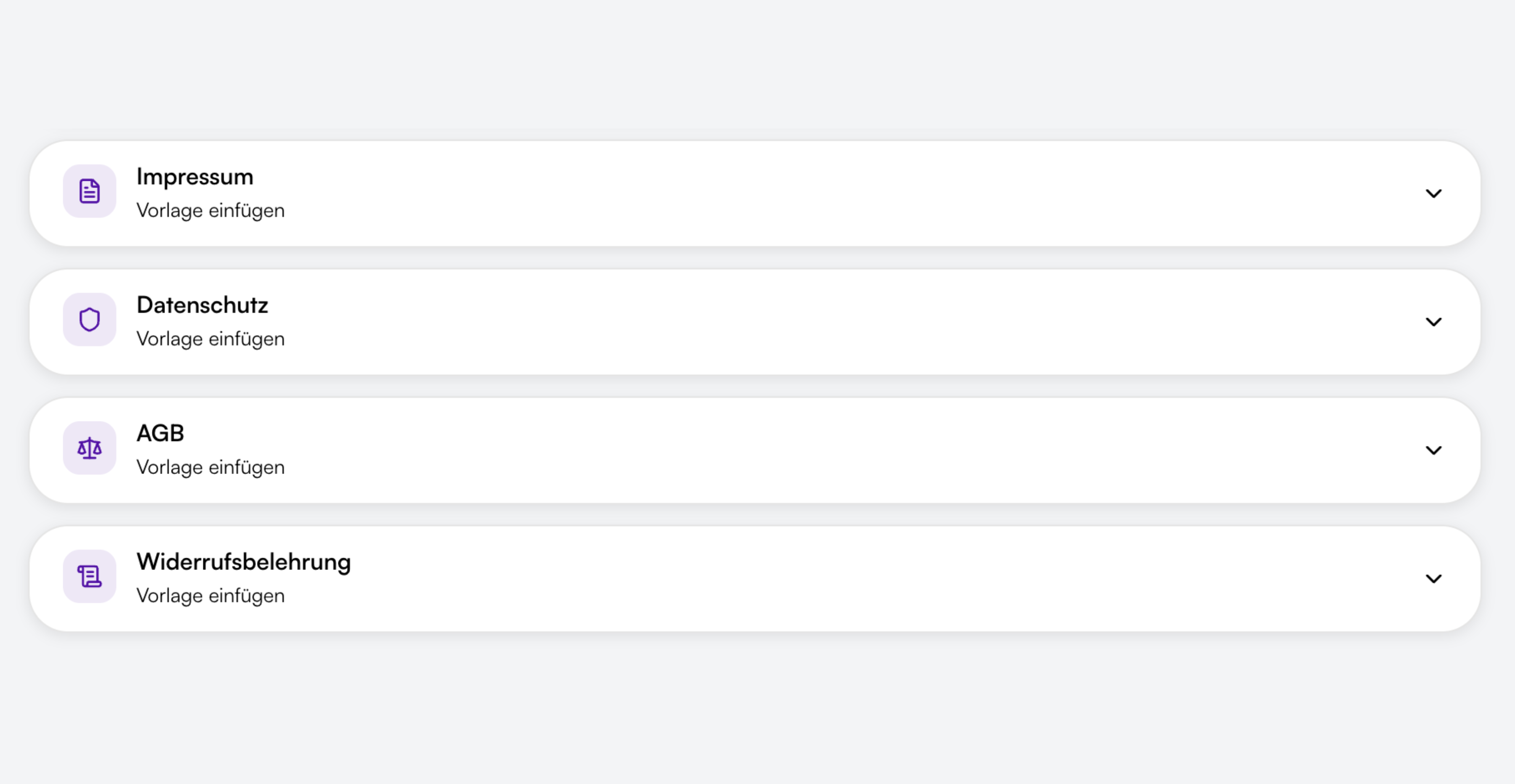
Imprint, privacy, terms & cancellation
Maintain imprint, privacy policy, terms and cancellation policy directly in the shop settings – with Orbance templates and placeholders or your own content. Published pages appear in the shop footer.
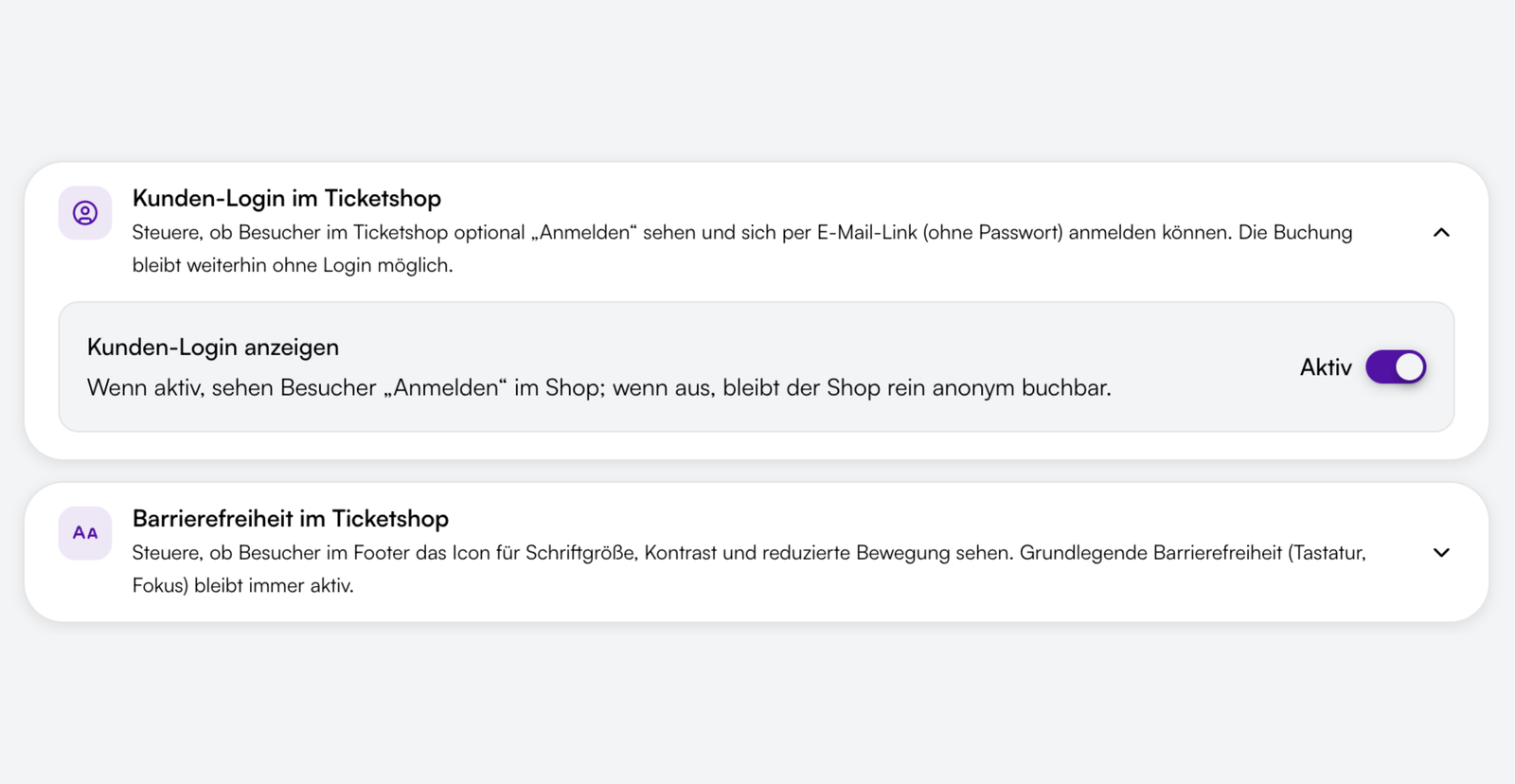
Optional customer login
Enable a login button in the shop so visitors can sign in via magic link without a password – e.g. for returning customers and access to their bookings. Booking remains possible without login.
The booking flow in the ticket shop
From event selection to confirmation – the shop guides visitors step by step through registration, payment and ticket delivery.
Visitors choose from your published events, dates and price tiers. Quantities, early-bird prices and capacity limits are applied automatically.

Visitors choose from your published events, dates and price tiers. Quantities, early-bird prices and capacity limits are applied automatically.
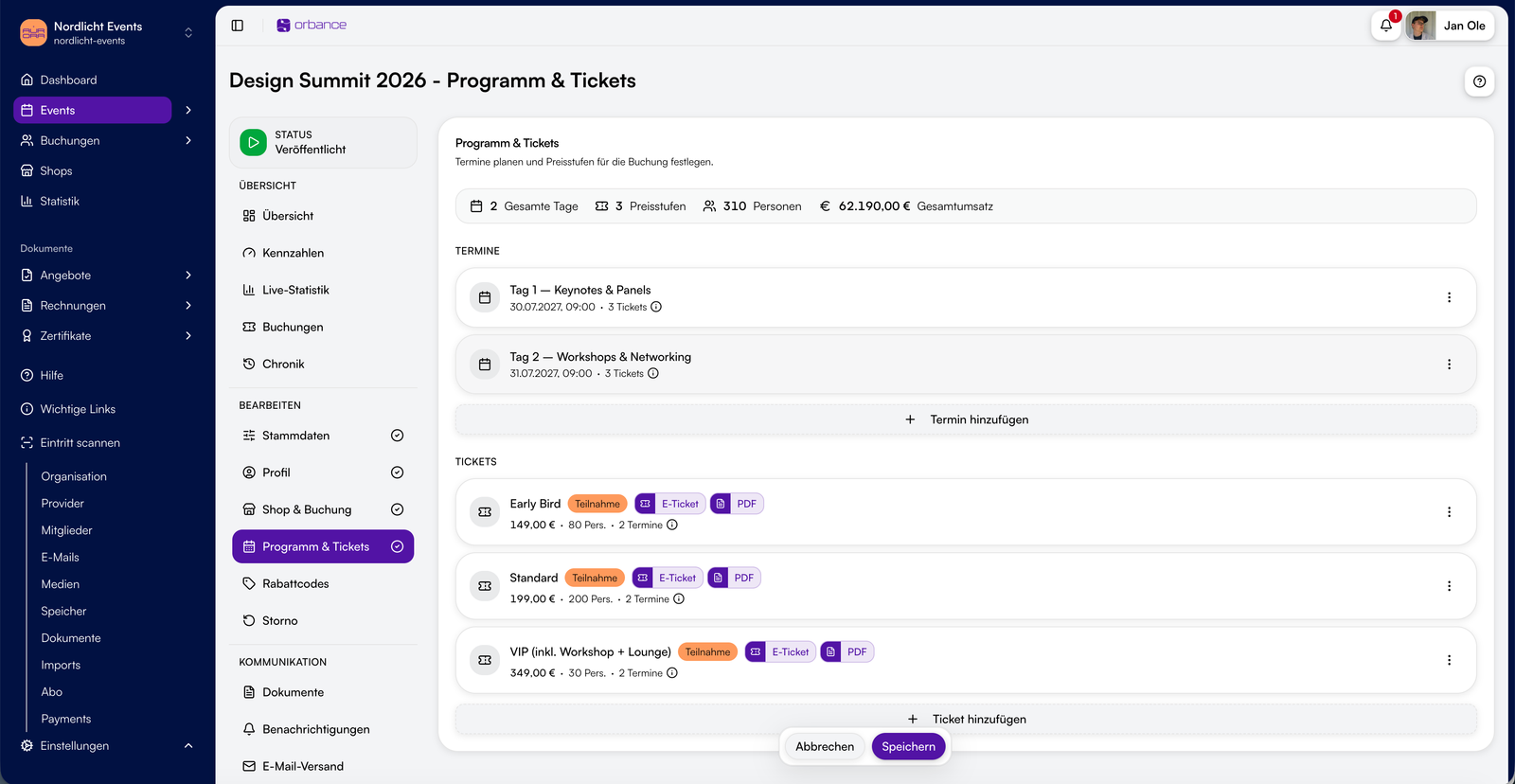
Trust for your bookings
Server location Germany at Hetzner, documented TOMs and deletion concept, DPA and support for your events.

Hosting in Germany
Platform and customer data run at Hetzner Online GmbH in German data centres – German provider and server location in Germany, not just a DE contractual partner.

Support in German and English
Help center, contact form and in-app support tickets – our team responds in German and English.

GDPR-compliant
Processing in Germany with a DPA (AVV), TOMs (Art. 32), documented deletion concept, shop privacy templates and a clear split between organiser and platform responsibilities.

Encrypted connections
TLS-protected shop access and payment processing – secure transmission for bookings and attendee data.

WCAG 2.2 AA–oriented ticket shop
Book by keyboard and with screen readers, including a skip link and clear focus management — including the WordPress host UI. Optionally show a footer menu for font size, high contrast and reduced motion. Accessibility statement in the footer; Stripe/PayPal widgets and the WP theme excluded.

Payments via Stripe & PayPal
Online payments through certified providers – no card storage in your ticket shop.
From the blog
Related articles on this topic.
Common questions about the ticket shop
Short answers on WordPress integration, theme, accessibility, legal pages, domain and payment methods.
The ticket shop is your provider's public booking page. Visitors choose events, ticket types and quantities, complete the registration form and pay online when required.
Yes. With the Orbance WordPress plugin you can show events and booking directly on your website. You can also optionally use a custom domain for your shop.
Orbance Payments (Stripe Connect) – including card, PayPal, Klarna, SEPA direct debit and more depending on configuration. Offline payment is also available.
Yes. Per provider you create your own themes – with colors, fonts and border radius from the Orbance template library. You can also customize shop logos, favicon and displayed texts separately for German and English.
Orbance ticket shops target WCAG 2.2 AA: keyboard navigation, focus management and screen-reader support are always on; an optional accessibility menu covers font size, contrast and reduced motion. The same applies to the host UI generated by the WordPress plugin (event pages, booking overlay). An accessibility statement is linked in the shop footer. Embedded Stripe and PayPal payment UIs and the WordPress theme are outside our direct control.
Under Legal in the shop settings you maintain imprint, privacy policy, terms and cancellation policy for your ticket shop. Orbance provides templates with placeholders you fill in – or you add your own content. Published pages appear in the shop footer.