
 For organizers and institutions
Event software for registration, ticketing and certificates
A certificate for every registration, a ticket for every event.
Registration, tickets and proof of attendance in one workflow.
Events & gatherings
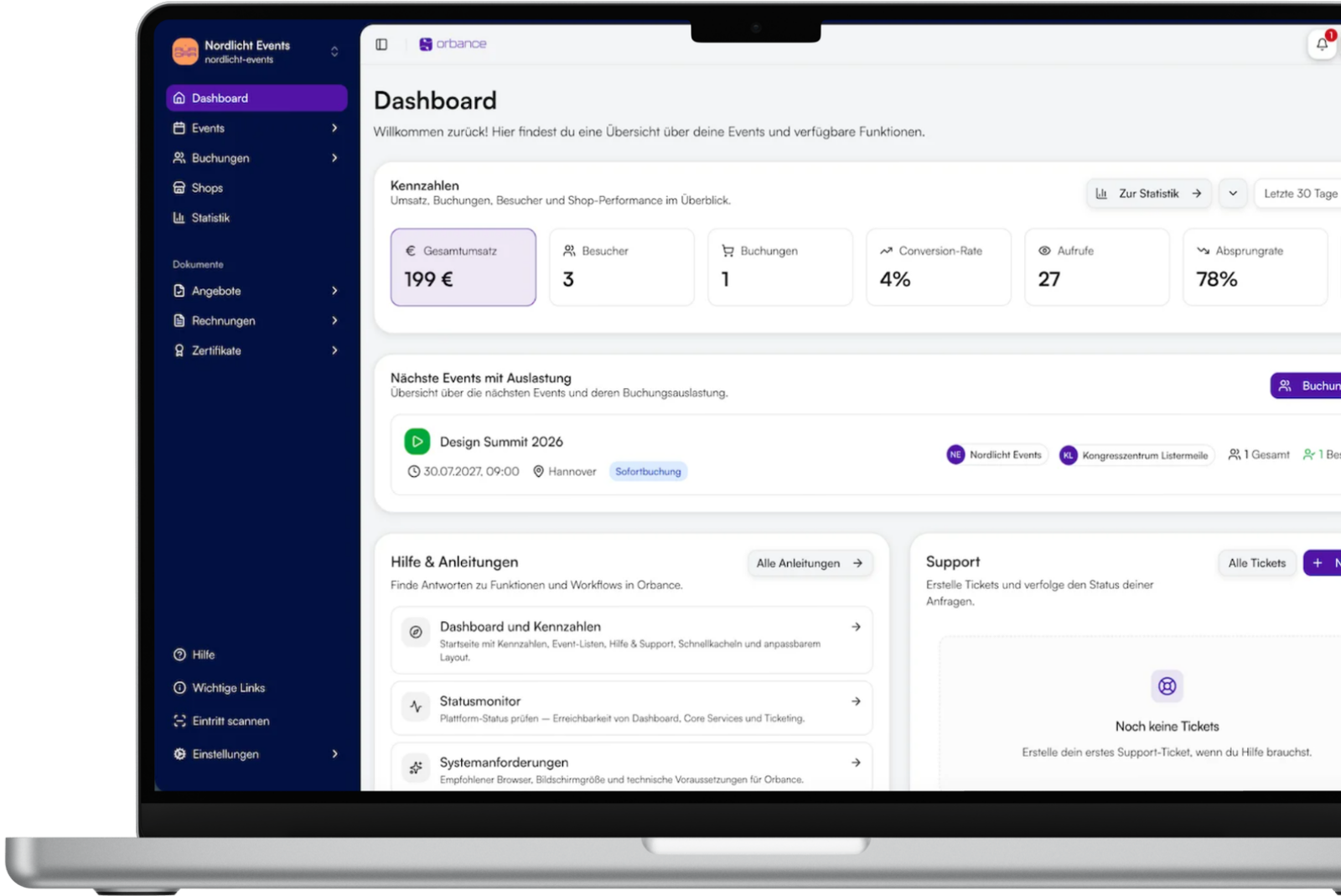
The classic event flow for organizers, agencies and associations: create events, sell tickets, take payments and check guests in on site.
- Organizers
- Agencies
- Associations
- Culture & sports
5 active events · 5% only when you sell · upgrade anytime
Continuing education management
Seminar management, course management and participant management for universities, chambers and education providers – with an annual license, certificates, onboarding and processes that fit your organization.
- Universities
- Chambers
- Education providers
- Associations
- GoBD-compliant
- ZUGFeRD · add-on
- Hosting in Germany
- DPA & TOMs

Plan and run events
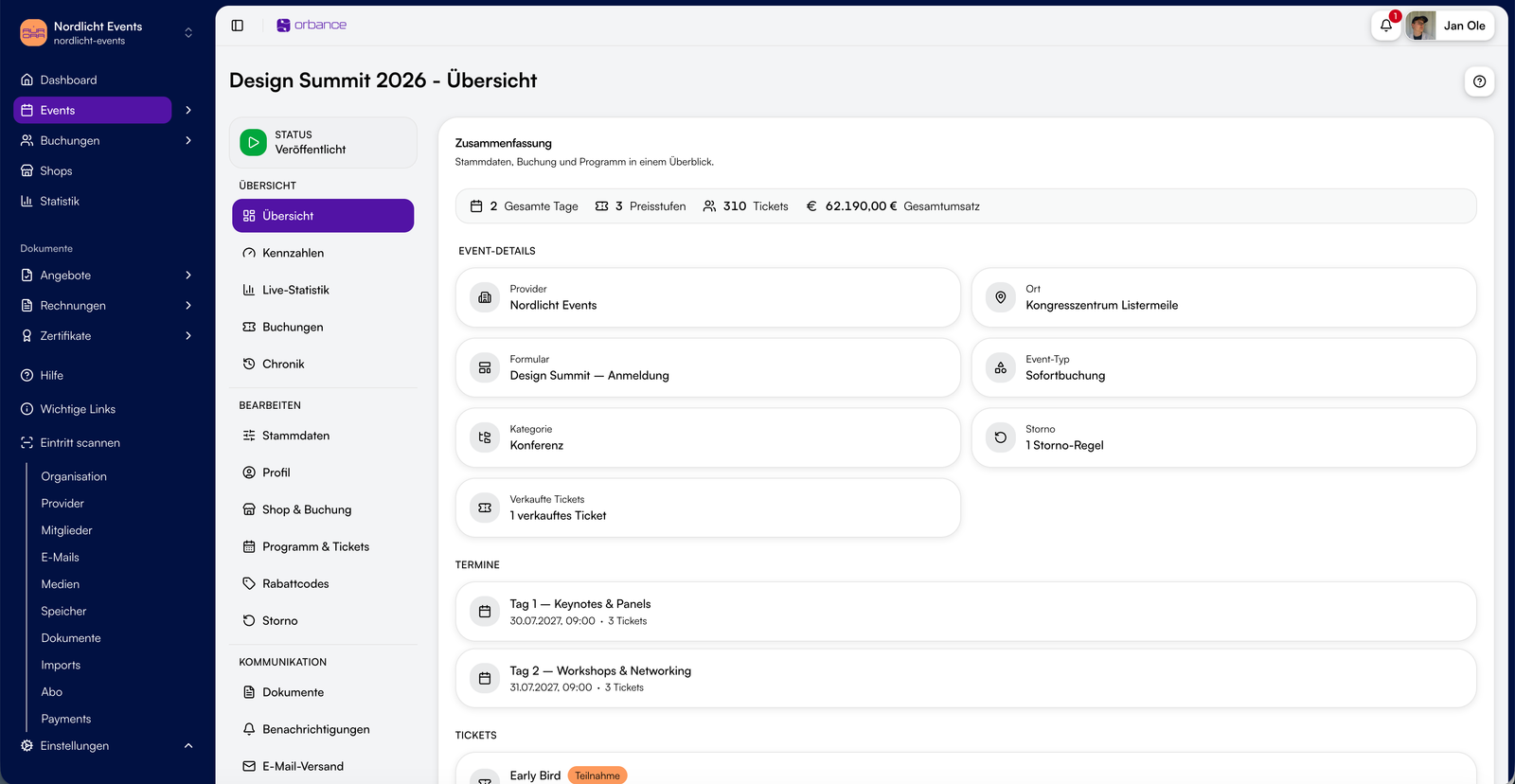
Dates, venues, price tiers, capacity and waitlist – create events, configure them and publish them to your ticket shop.

Capture registrations intelligently
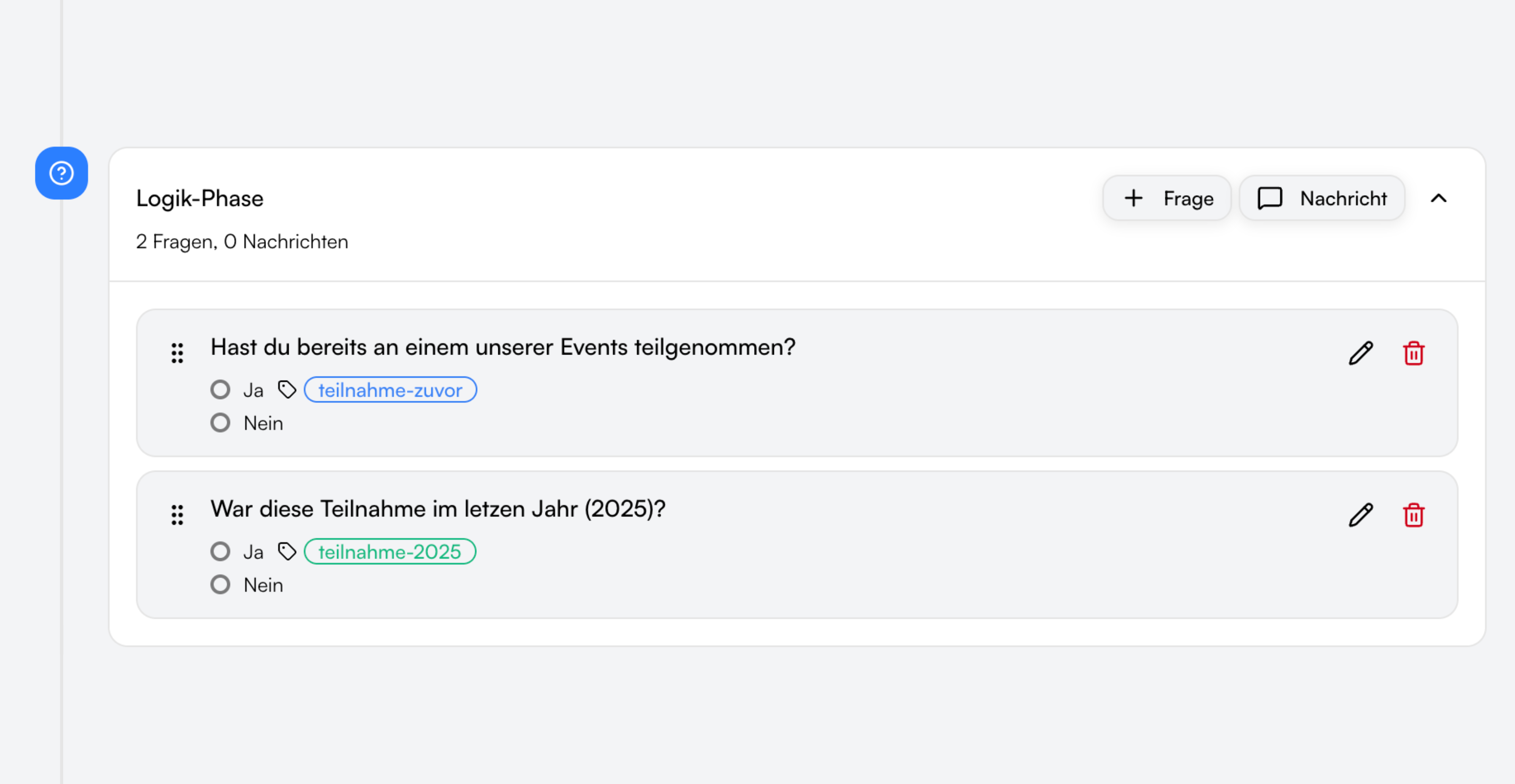
Forms with tags, conditional logic and ticket dependencies – build once and reuse across events and the shop.
Offers, invoices and certificates
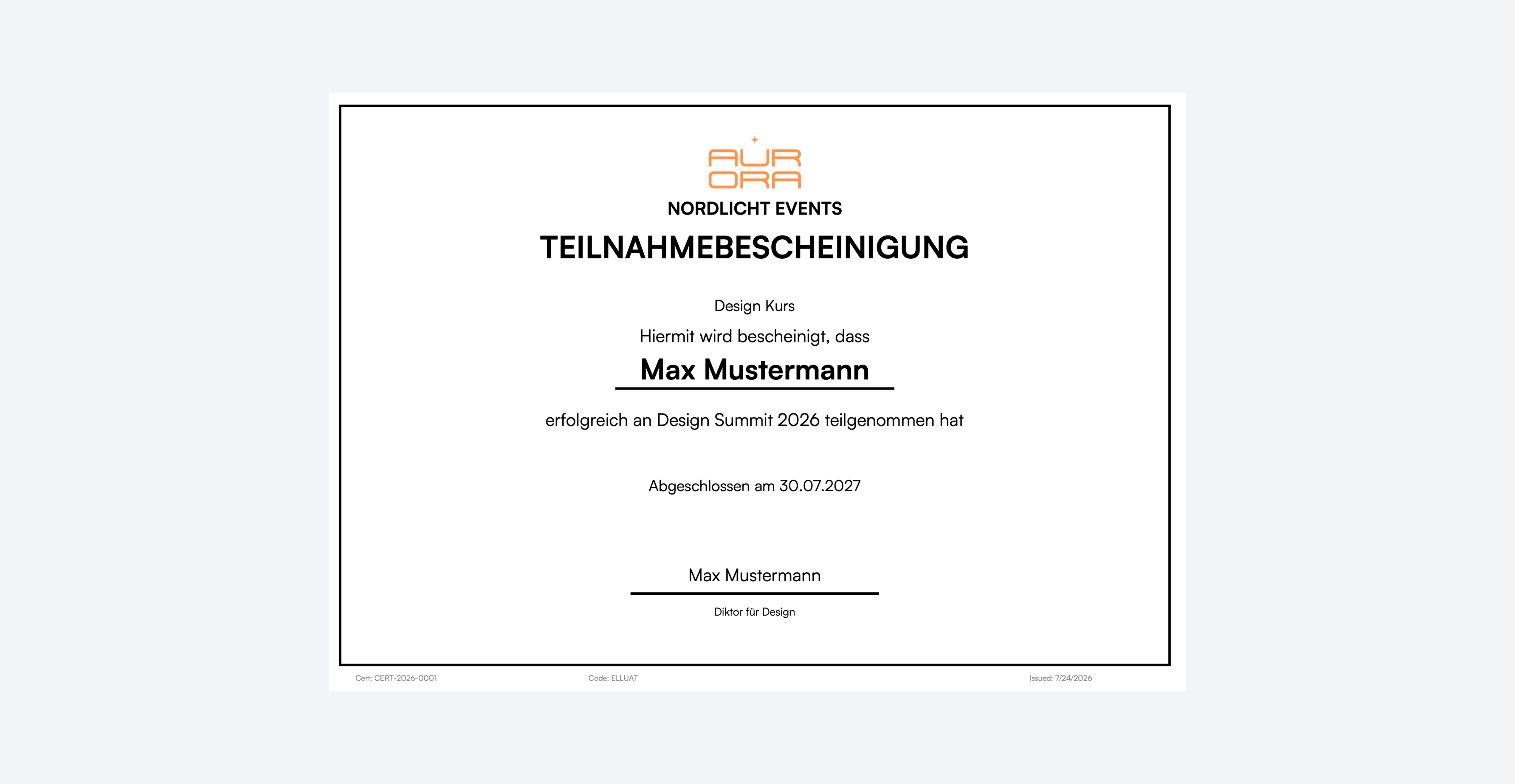
Compliant invoices (ZUGFeRD, GoBD) via the Billing add-on. Attendance certificates are a separate module, included with Institutional.
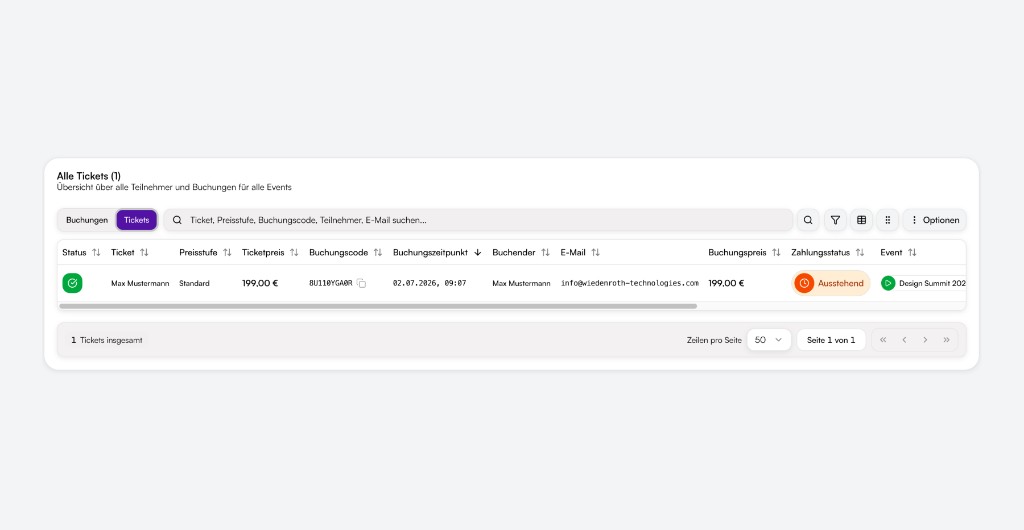
All registrations in one place
Booking and ticket views, filters, manual bookings, status and communication – central for your event team.
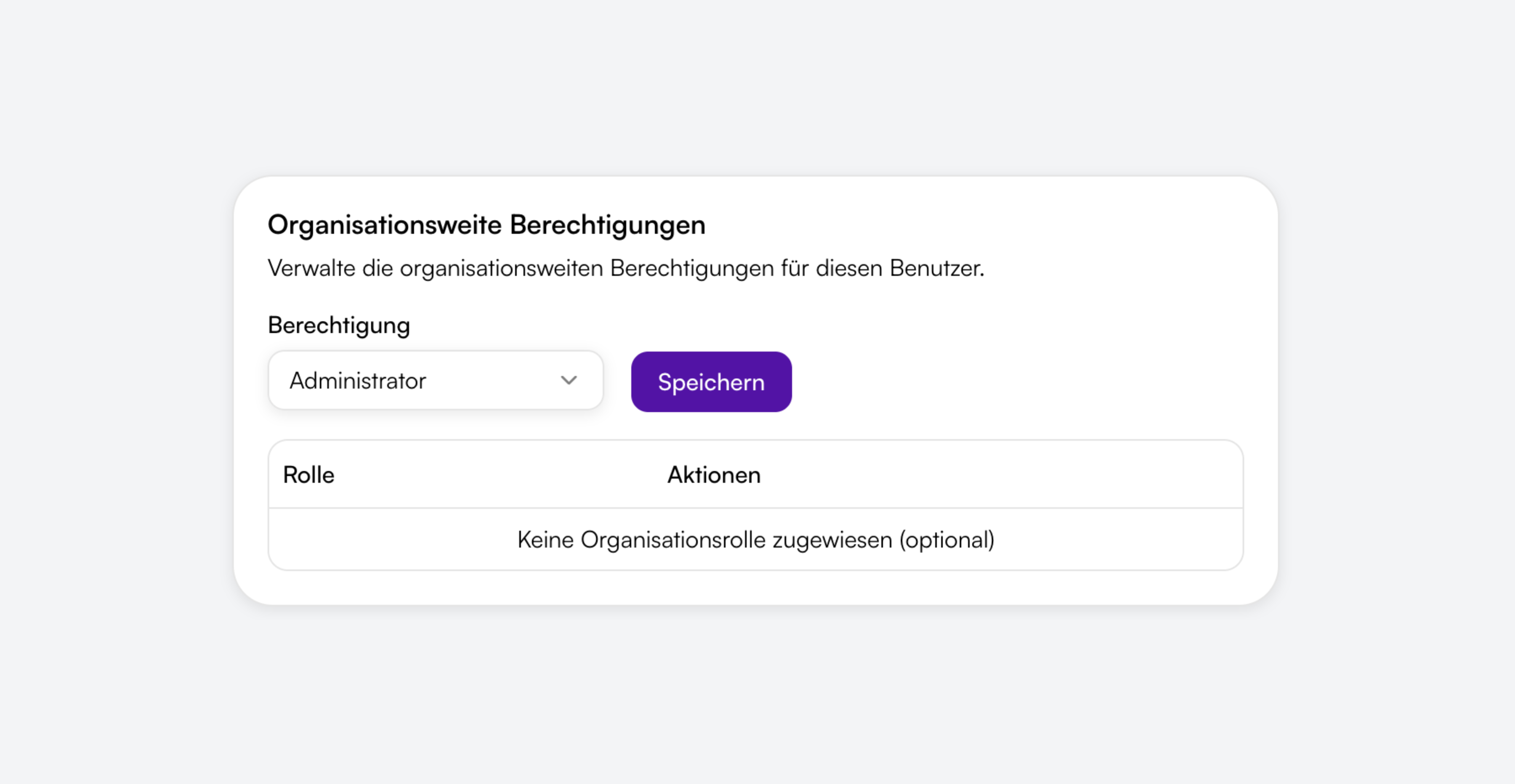
Control team access
Invite members and assign roles at organization and provider level – clearly separated for events, bookings and settings.
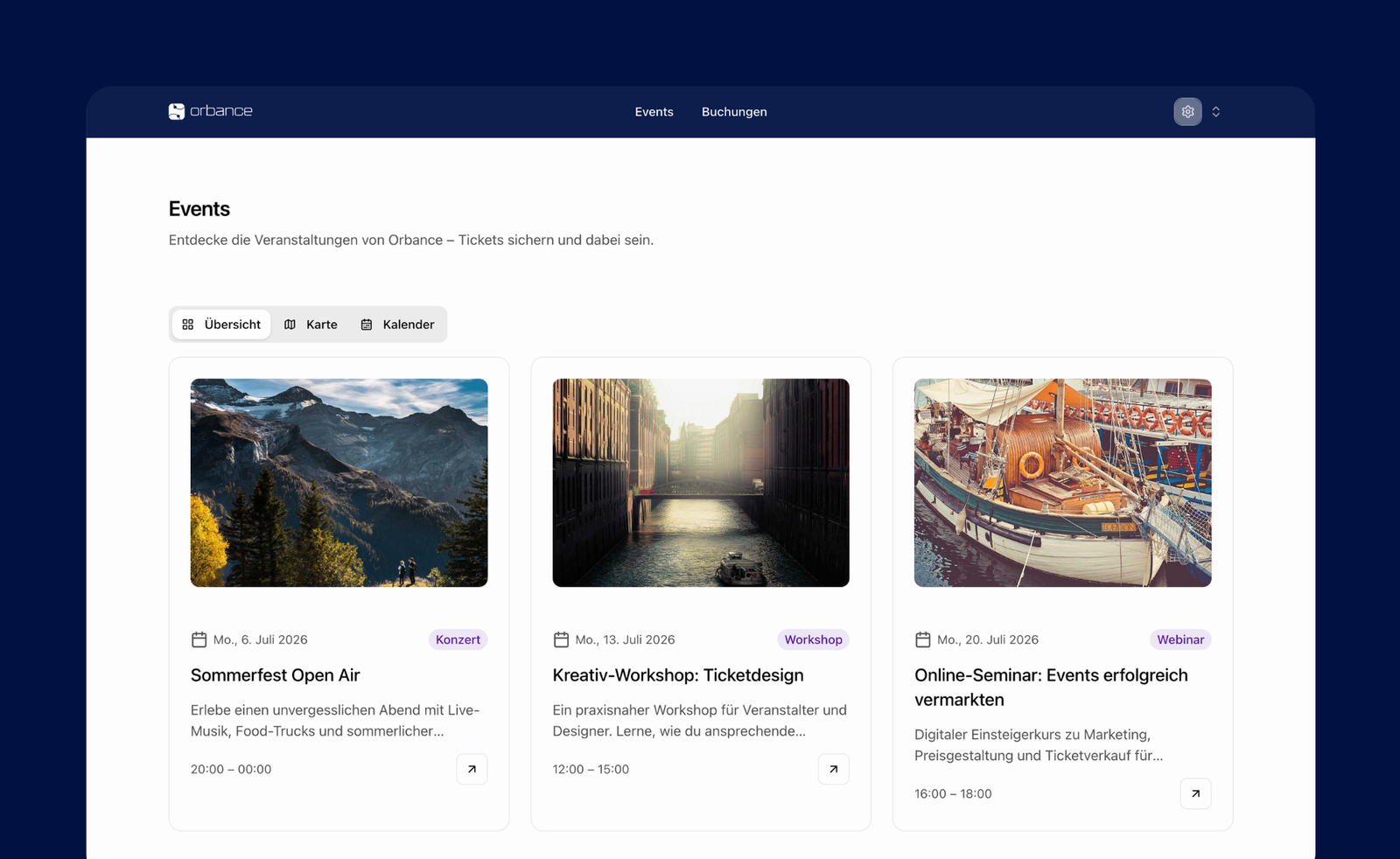
Your shop, your brand
Your own theme, legal pages, WordPress embed and optional custom domain – the ticket shop matches your brand and guides visitors safely through checkout.
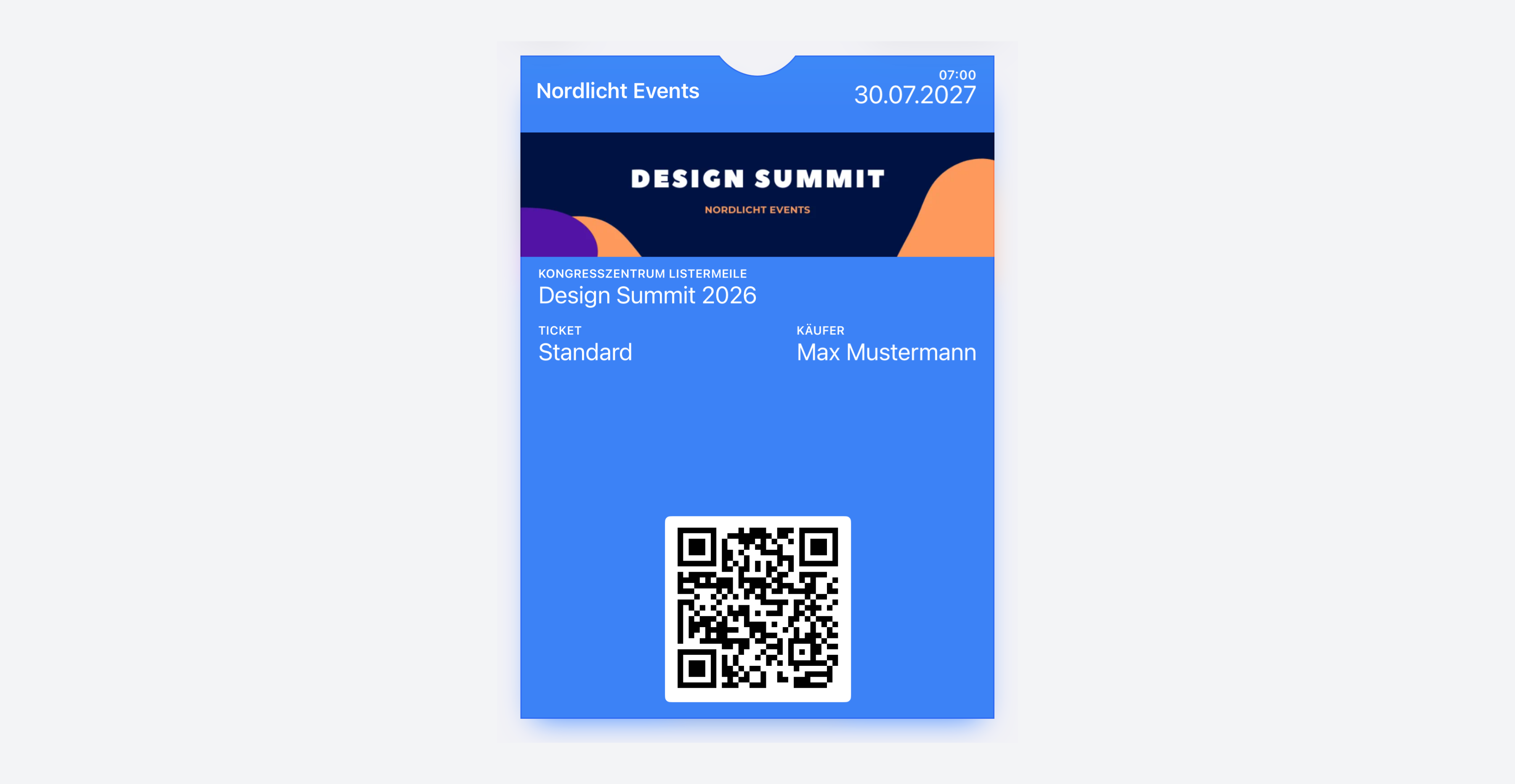
From ticket to door entry
PDF tickets, Apple and Google Wallet, plus the ticket scanner – so guests and your team are ready on event day.
Payments and payouts under control
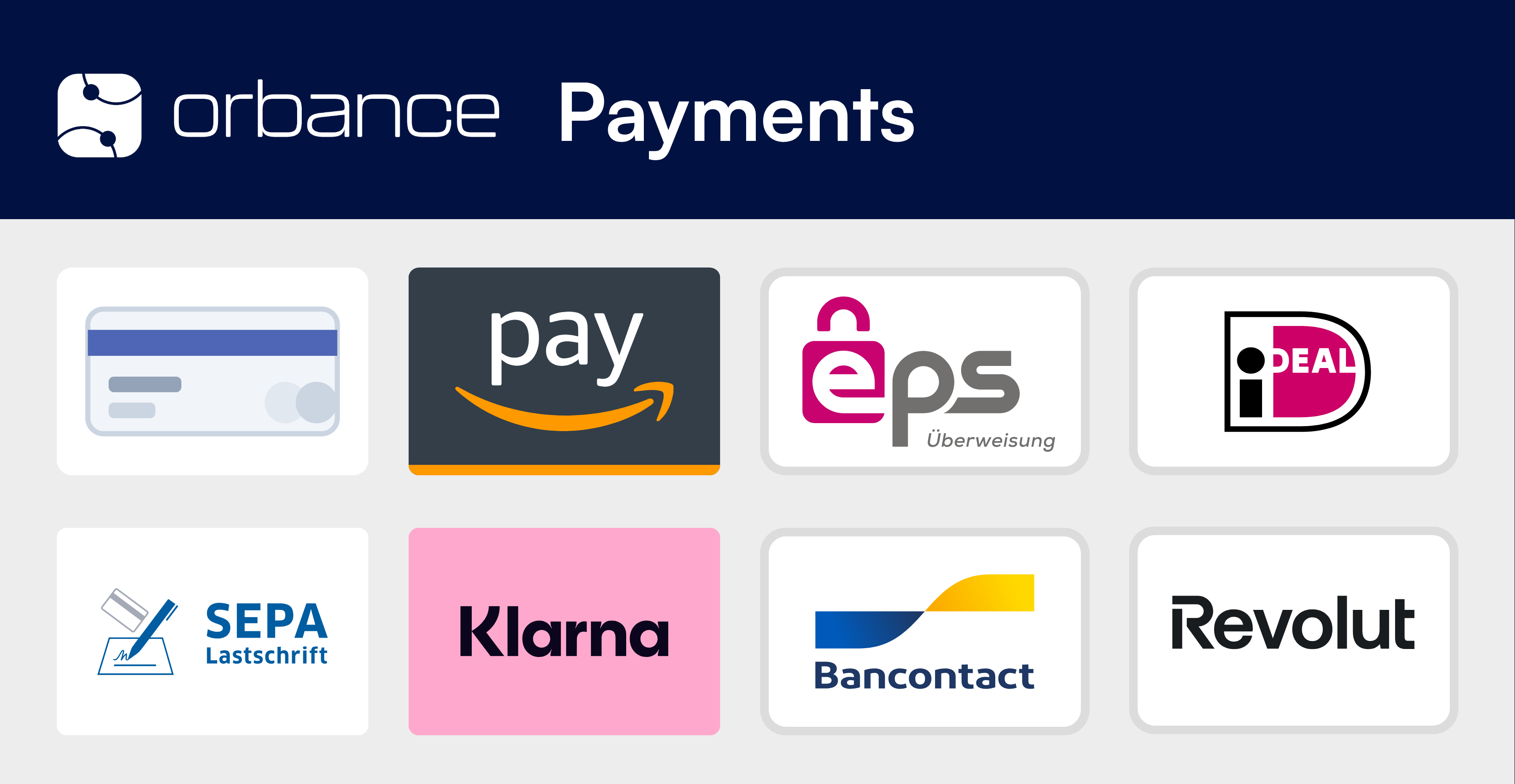
Orbance Payments and PayPal in the shop – with clear fee breakdown, transactions and payouts to your account.
From event to check-in
The steps you follow in Orbance – from your first event to door entry on event day.

1. Create an event
Set title, dates, venues and capacity – start as a draft and build it step by step.

2. Tickets & form
Link price tiers, sales windows and the registration form – including required fields and ticket dependencies.

3. Publish the ticket shop
Set theme and legal pages, publish the event – visitors can book in the shop.

4. Enable payments
Connect Orbance Payments or PayPal – unlock online payment in checkout.

5. Manage bookings
Review registrations, set status, communicate and generate documents when needed.

6. Check-in on event day
Redeem QR codes with the ticket scanner – valid tickets are voided once.