
 Events
Plan and sell events
From first idea to publication – dates, venues, ticket types, price tiers, capacity and booking rules in one place.
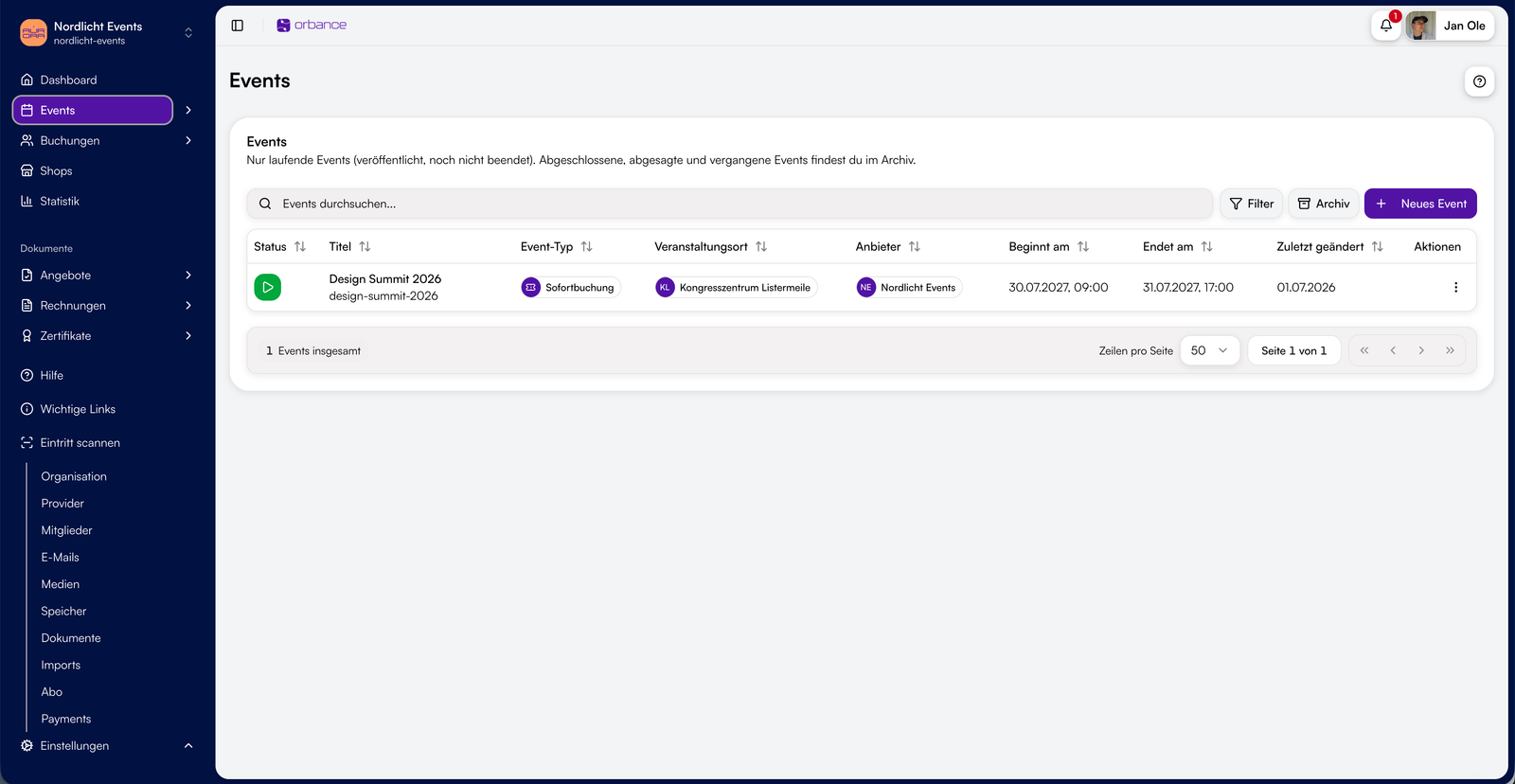 Programme
Dates & programme
Create single- or multi-day events with sessions – including tracks, rooms and speakers. Visitors pick the right date in the shop; individual days can be booked separately.
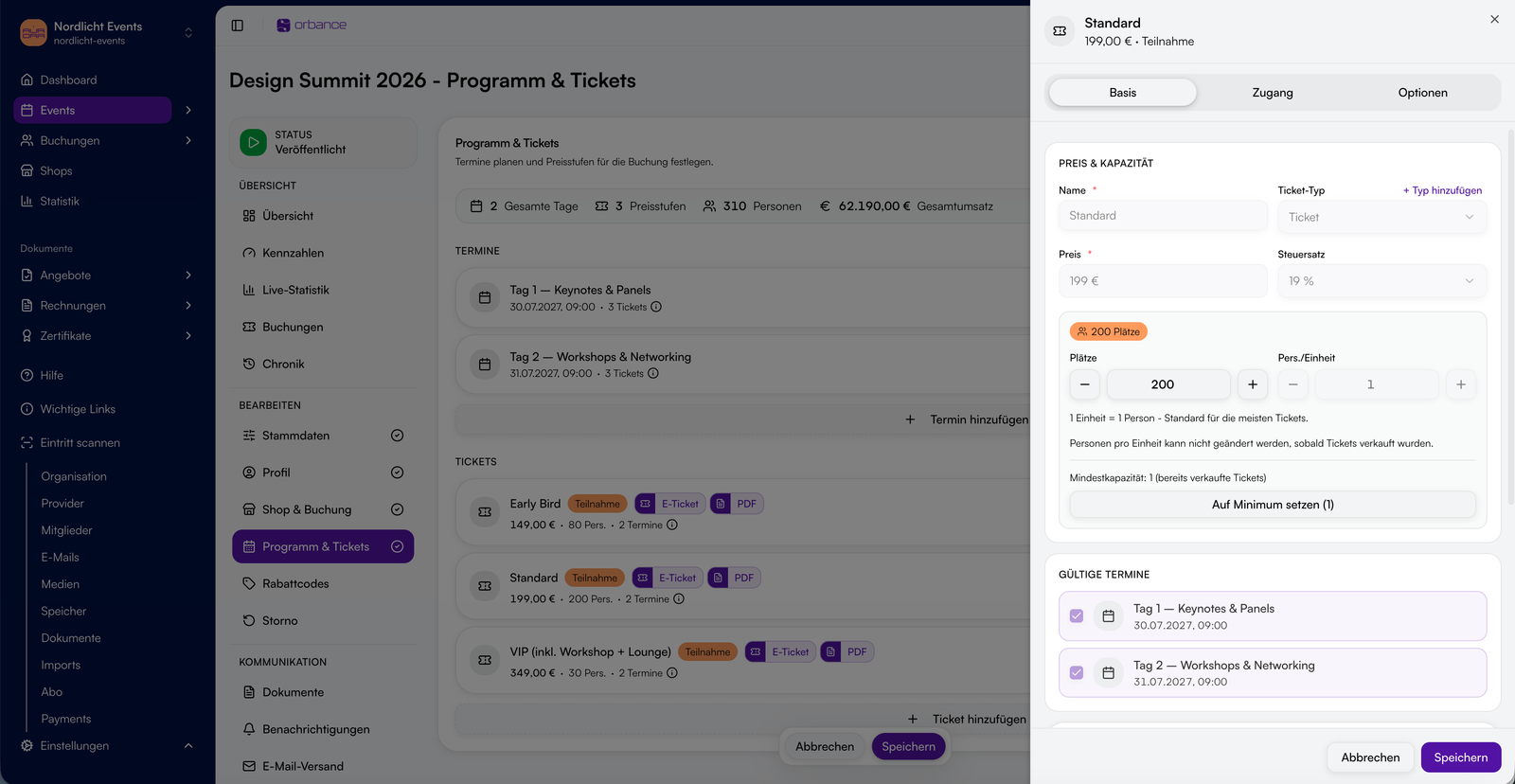 Venues
Venues & locations
Manage venues centrally with address, capacity and contact – on-site or virtual. Events appear on the map in the shop; per-session location notes are supported.
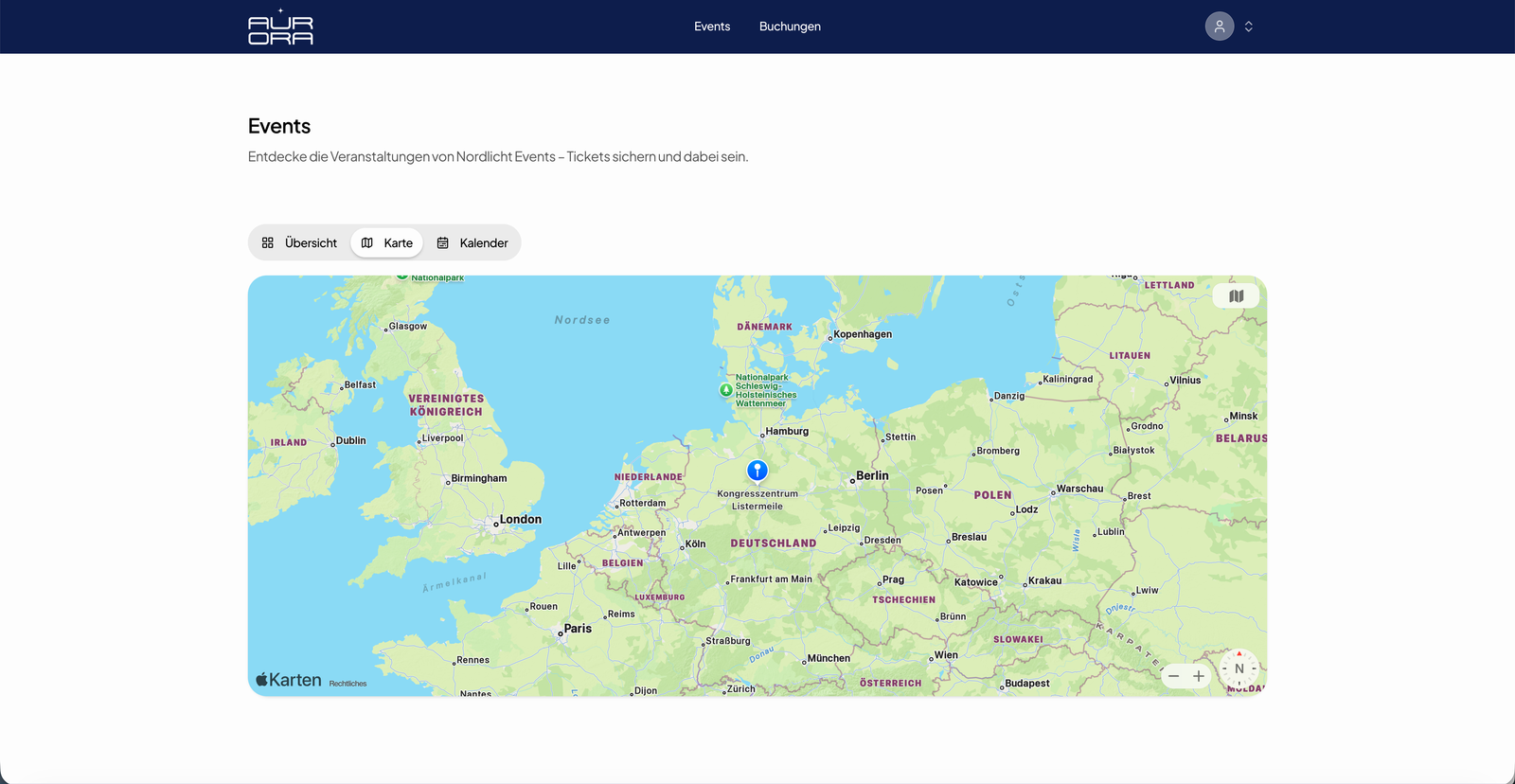 Pricing
Ticket types & price tiers
Define price tiers with sales windows – early bird, regular and last minute switch automatically. Add-ons such as accommodation, per-tier capacity and tax rates included.

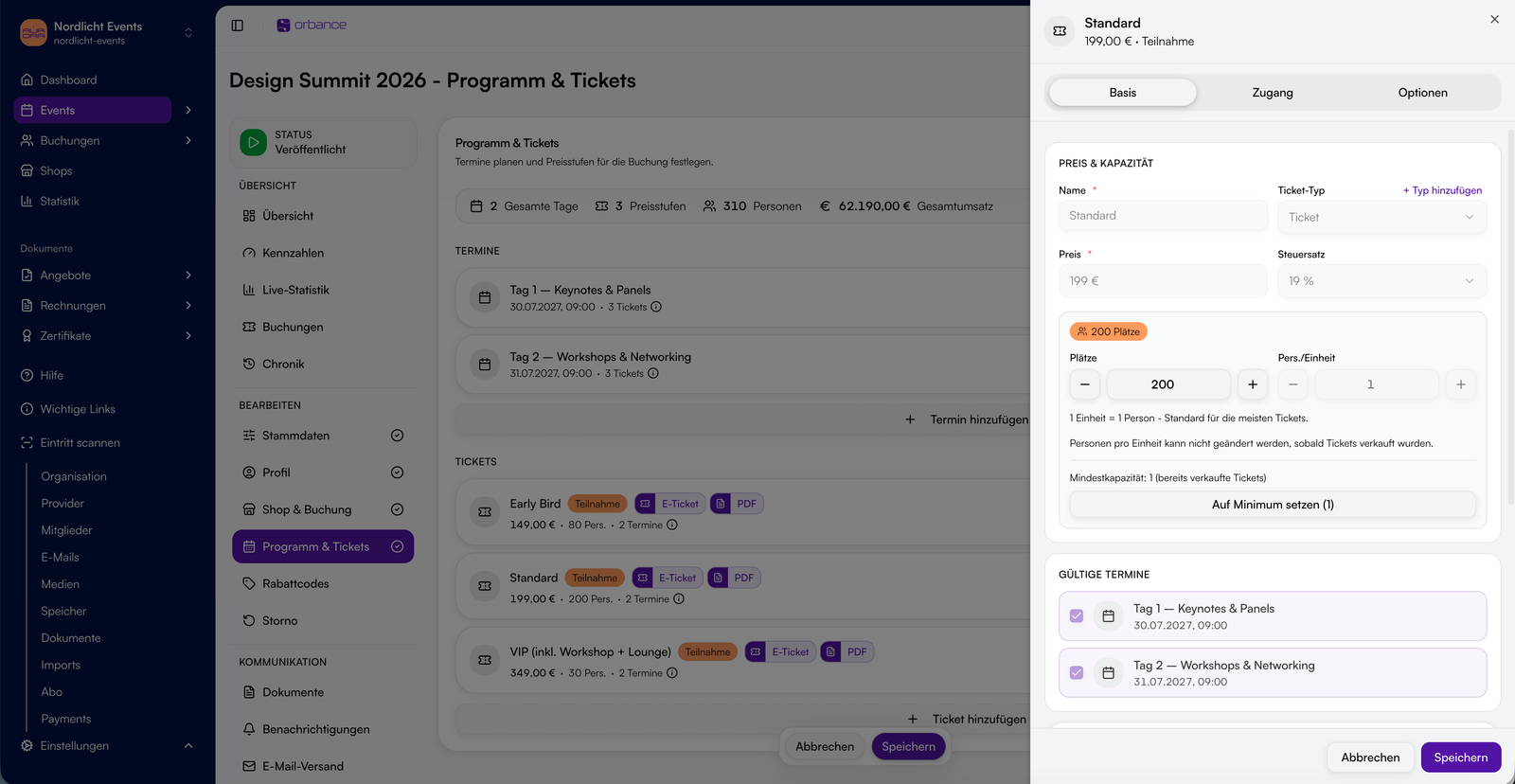
Booking and availability under control
Decide how bookings work – and what happens when capacity is reached.

Booking modes
Instant booking, booking with offer or participation by application only – with live capacity checks in the shop.

Capacity & pools
Total capacity or granular tiers, shared availability pools and min/max quantities per booking.

Waitlist
When sold out, interested visitors sign up and receive an automatic email when spots become available.

Templates & duplicate
Save event templates, copy existing events and restart quickly with the wizard or explorer.
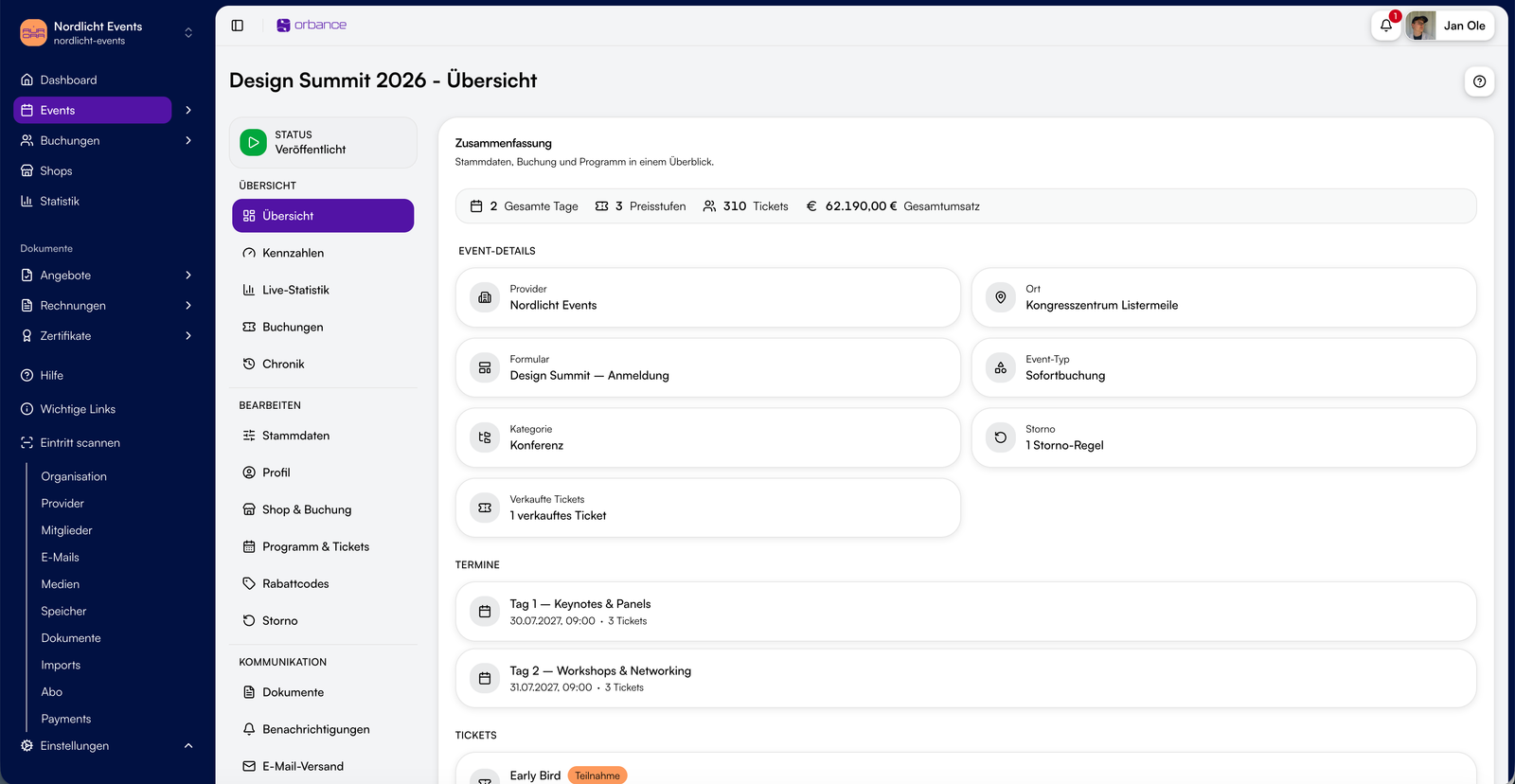
From event to sales
Four steps from creation to ongoing management – with direct connection to the ticket shop.
Your event in day-to-day operation
Keep occupancy, revenue and communication in view – and connect seamlessly to ticket shop and check-in.

Event dashboard
KPIs for occupancy, revenue and active sales window – at a glance for every event.

Live statistics
A matrix of date and price tier shows sales in real time; waitlist entries per tier are visible directly.
Status & lifecycle
Control event status from draft through published and cancelled to completed – with clear impact on shop and bookings.
Communication
Schedule event emails with placeholders, send notifications on updates and provide documents for attendees.
Cancellation policies
Define tiers with deadlines and refund percentages before the event – guests can cancel in the shop according to your rules.

Seamlessly connected
Published events appear in the ticket shop for booking; tickets and check-in at the door run through Tickets & Check-in.

Ready to plan your next event?
Set dates, prices and capacity – and publish your event directly in the ticket shop.
Frequently asked questions about events
Short answers on event structure, price tiers, multi-day events and waitlist.
An event bundles everything for a gathering in Orbance: dates, venues, ticket types, price tiers, capacity, registration form and cancellation rules. It is the central configuration – the ticket shop is the public booking surface for it.
An event bundles dates, prices and capacity in Orbance. The ticket shop is the public surface for it – one or more events appear there for your visitors to book.
You set price tiers with sales start and end – for example early bird, regular and last minute prices. Orbance automatically switches to the active tier; capacity and availability are taken into account.
Yes. You add multiple sessions per event – each with its own date, time and optional track or room. Visitors can book individual days in the ticket shop when you enable single-day booking.
Yes. You can enable a waitlist per price tier. Interested visitors sign up in the shop and receive an automatic email notification when spots become available.