
 Bookings & attendees
Bookings and attendees under control
All registrations from the ticket shop and manual entry in one place – with booking and ticket views, powerful filters and full detail management.
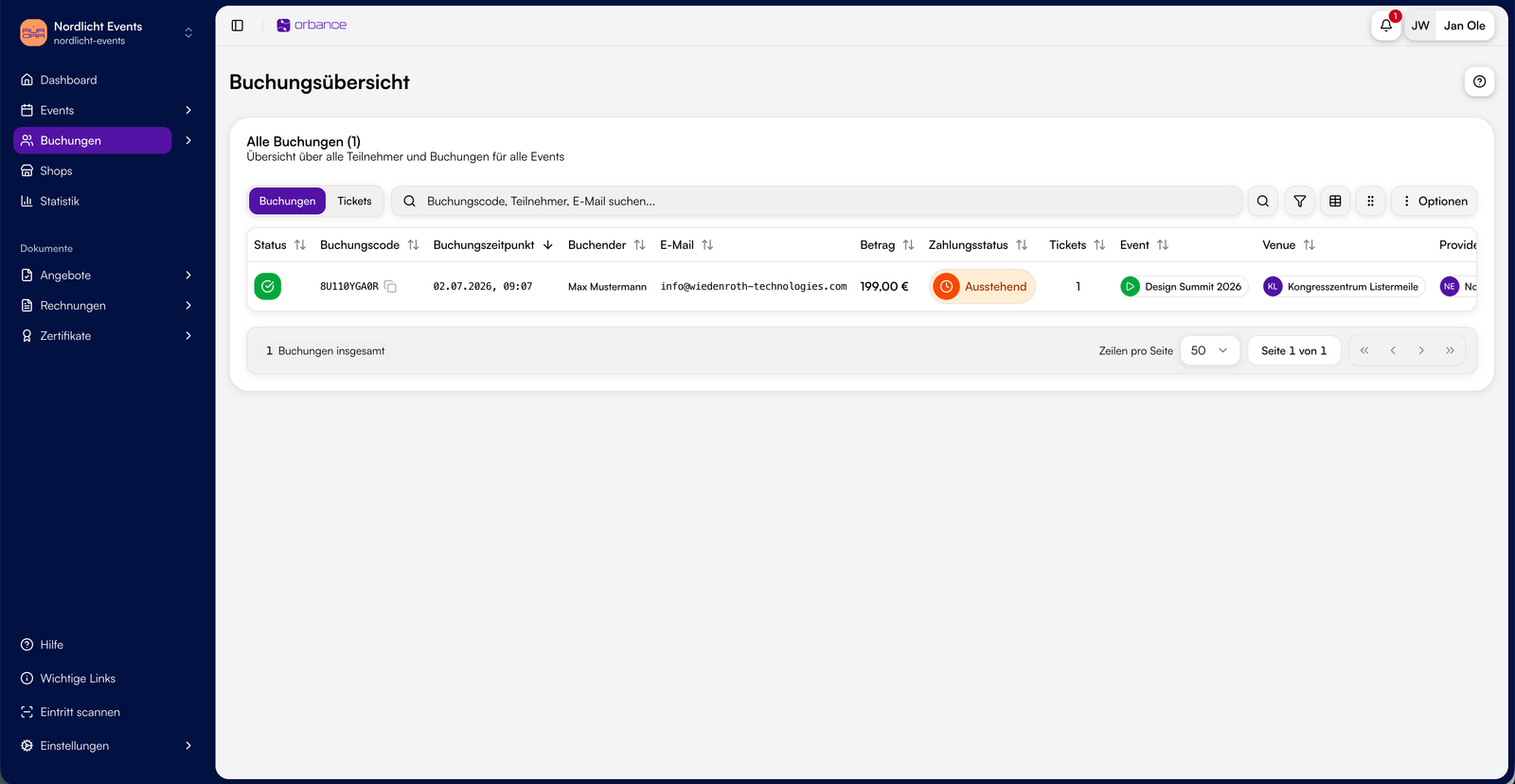
BookingsBooking overview
See all bookings with booking code, attendee, status, amount and payment status – across events and providers.
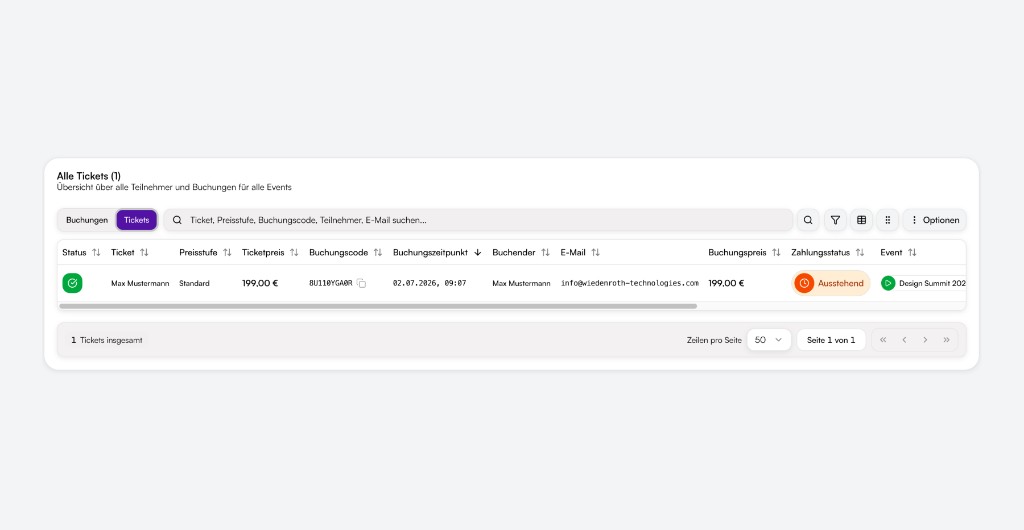
 Tickets
Ticket view
Switch to the ticket perspective: price tier, ticket holder, session and status per ticket – ideal for check-in preparation.
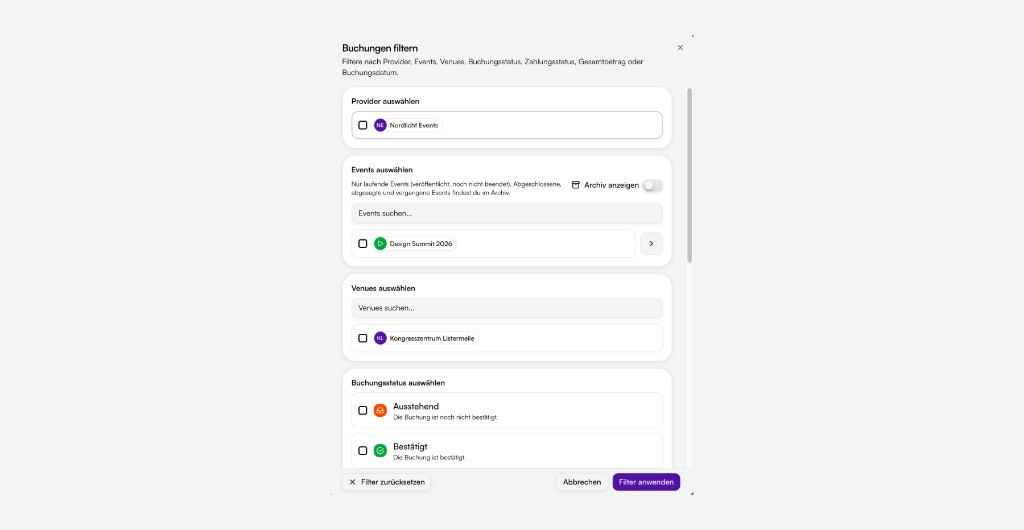
 Filters
Find exactly what you need
Filter by provider, event, venue, booking or payment status, session, amount and date. Search by booking code, name or email.

From capture to follow-up
Create bookings manually, edit details and control status as a team – including bulk actions and export.

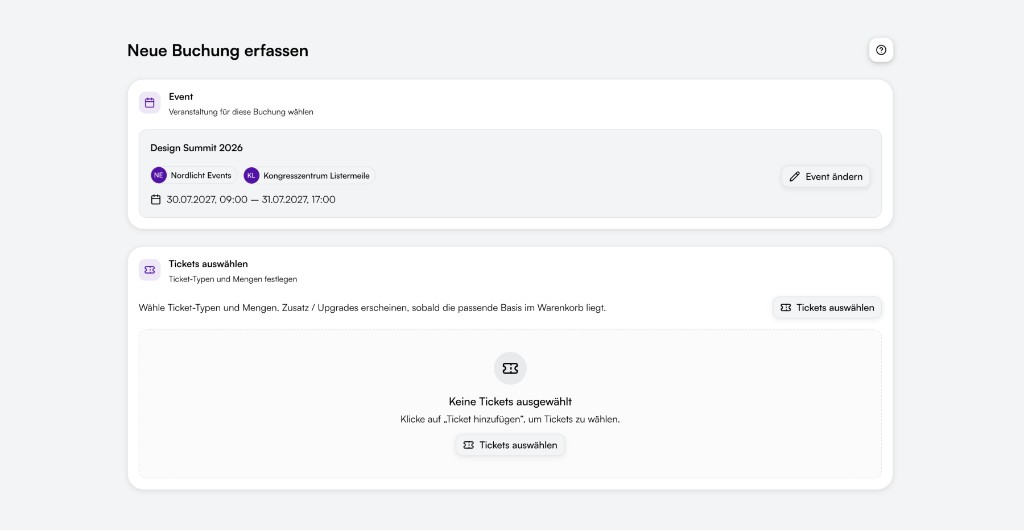
Manual bookings
Record bookings directly in the app: choose event, set tickets, fill in form fields – with optional confirmation email to the attendee.

Booking detail
Open any booking with tickets, payments, invoices, offers, emails and cancellation info – including a full change history.

Bulk actions & export
Select multiple bookings, change status in bulk and export attendee data for analysis or further processing.

Status & payments
Control booking status from pending through confirmed and waitlist to cancelled and attended – with separate payment status per booking.
From ticket shop to follow-up
How registrations flow through Orbance – from first click to communication with attendees.
Connected to shop, forms and payments
Bookings are the hub – all other modules feed into it or build on it.

Ticket shop
Online bookings from the ticket shop appear automatically in the overview – with all form answers and ticket line items.

Forms
Attendee data from the registration form is linked to the booking – including custom fields and question answers.

Payments
Payment status, transactions and refunds are visible per booking – linked to Orbance Payments (including PayPal via Stripe).

Documents
Invoices, offers and sent emails are available directly in the booking detail view – without switching tools.

Tickets & check-in
Individual tickets with status and ticket holder – ready for the ticket scanner at the door.

Team & roles
The attendees role controls access to bookings – at organization and provider level.

Ready to manage your registrations?
Keep bookings and attendees in view – from first registration to follow-up on event day.
From the blog
Related articles on this topic.
Frequently asked questions about bookings & attendees
Short answers on overview, manual bookings, filters, status and export.
The booking overview bundles all registrations for your organization – from ticket shop and manual entry. You see bookings or individual tickets, filter by event and status and open each booking in detail.
Yes. Choose an event, set tickets and quantities and fill in form fields – Orbance checks availability and optionally sends a confirmation email to the attendee.
Use search by booking code, name or email – or filter by provider, event, venue, booking and payment status, amount, date and event days.
Bookings can be pending, confirmed, on the waitlist, cancelled or marked as attended. Payment status (pending, paid, refunded etc.) is tracked separately.
Yes. Select bookings in the overview and export attendee data – for analysis, lists or processing outside Orbance.